Building a Simple Setup for Gaming Clips and Music Reels
Modern gaming is as much about shared cultural moments as it is about competitive victories. When an unexpected turn of events happens in a multiplayer match or a chaotic cooperative round reaches a wild conclusion, sharing that excitement with friends feels natural. Pairing those memorable gameplay highlights with a complementary musical track turns a raw gameplay capture into an engaging short entertainment clip that is fun to watch and easy to enjoy.
Setting up a straightforward workflow to capture, edit, and share these moments does not require complex studio equipment or an overwhelming suite of production tools. With a few intentional adjustments to your regular desktop routine, you can build a reliable system that preserves your favorite gameplay sequences alongside clean audio. By keeping your process straightforward, you spend far less time configuring technical settings and far more time enjoying your favorite titles.
Configuring Your Capture Software for Clean Audio
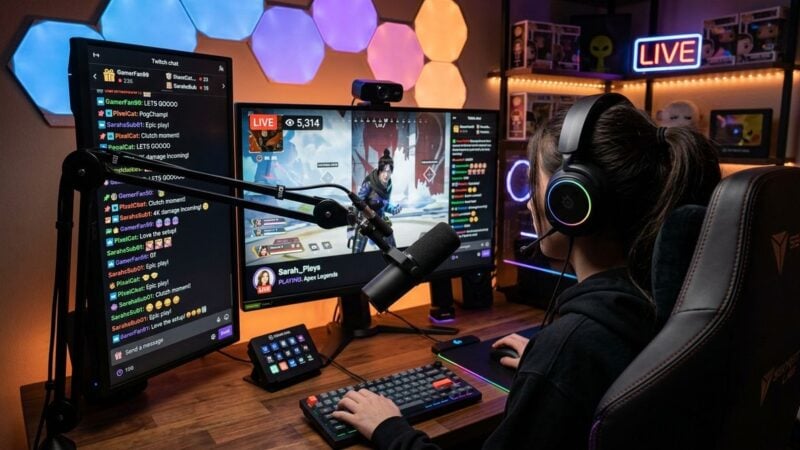
The most common issue when recording gameplay highlights is muddy sound. When voice chat, explosion effects, and background songs all blend into a single recording track, editing becomes frustrating. Modern capture software allows you to direct individual sound sources to separate tracks. Dedicating one track to the game environment, a second track to your microphone, and a third track to your media player gives you total control over the balance during playback.
Leveling these elements ensures that exciting game commentary remains intelligible even when high-energy songs play in the background. If you enjoy responsive sound cues that react to specific actions in your matches, setting up balanced thresholds makes a noticeable difference. Learning the basics of custom sound triggers for multiplayer games provides helpful insight into keeping game audio organized so loud audio events never overwhelm your chosen soundtrack.
Before starting an extended gaming session, perform a quick rehearsal capture to verify your audio balances. Speak a couple of sentences into your microphone while a track plays quietly in your media player. Play the short sample back through your regular headphones to ensure that your voice sits clearly on top of the instruments without causing digital distortion or sudden volume spikes.
Simplifying Desktop Hardware and Storage Workflow
A reliable recording setup must run quietly in the background without causing stutters or input lag during demanding games. If your system struggles to keep up, both your gameplay performance and video captures will suffer. Organizing your background applications, disabling unnecessary visual effects in your operating system, and closing resource-heavy browser tabs helps keep your hardware running smoothly while you play.
Streamlining digital setups by eliminating software friction is an effective way to improve your entertainment experience. Helpful guidance on practical computer maintenance and user-friendly software configurations is available at pc4sy.com, an excellent reference for making everyday technology work smoothly rather than getting in your way. When your computer operates efficiently, capturing crisp gameplay becomes second nature.
Storage management is another essential component of a clean workflow. High-definition video files can accumulate rapidly on your hard drive, leading to cluttered directories and sluggish file searches. Create a dedicated folder for raw captures, another for completed edits, and a third for reusable music files. At the end of each week, archive the clips you want to keep and delete unneeded bloat to preserve ample drive capacity.
Curating Soundtracks and Trimming Gameplay Highlights
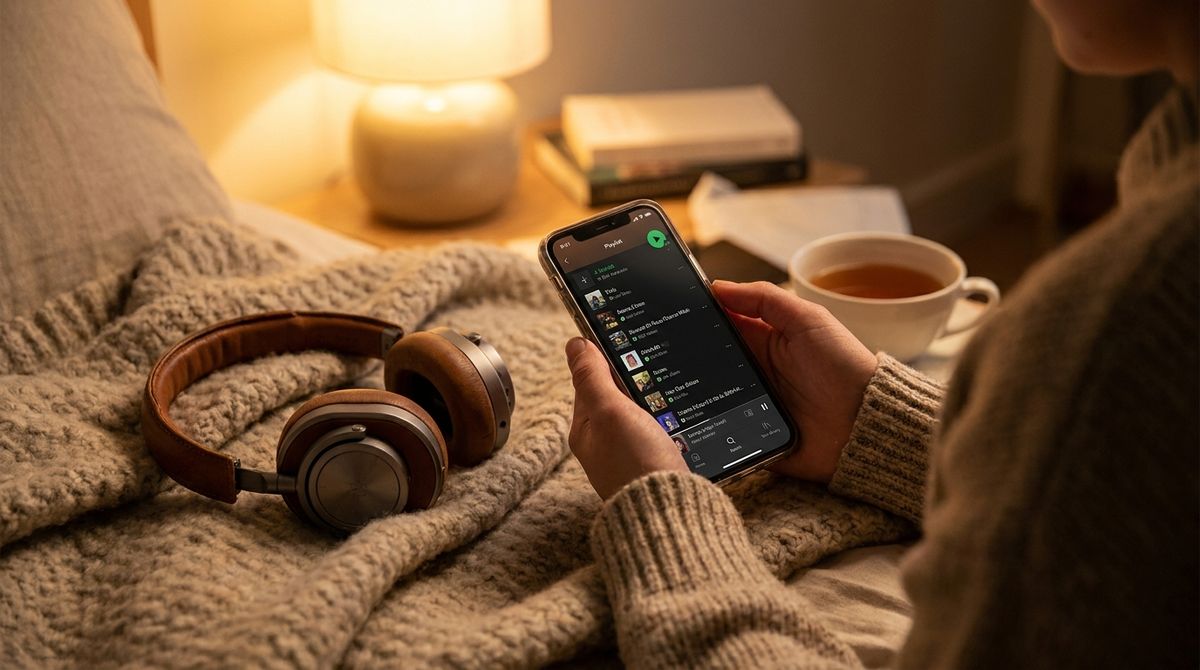
The music you choose sets the mood for your entire clip. A fast-paced shooter highlight benefits from driving basslines and energetic drum patterns, while a clever puzzle solution or relaxed cooperative exploration session pairs naturally with ambient electronic textures or acoustic melodies. Select music that enhances the emotional arc of your clip rather than distracting from the visual action on screen.
Trimming your video requires an eye for narrative pacing. A good short clip tells a brief story with a clear beginning, middle, and conclusion. Rather than showing long stretches of uneventful wandering, cut directly into the moments leading up to the main event. Allow just enough build-up for the viewer to understand the stakes, followed by the decisive gameplay play and the immediate reaction from your team.
Here are several practical rules to keep your clips engaging:
- Keep the opening action clear within the initial moments to establish immediate context.
- Fade background melodies slightly during crucial voice callouts or dialogue cues.
- Match major visual cuts to the natural rhythm and beat drops of your soundtrack.
- Format your canvas into a vertical orientation for comfortable handheld mobile viewing.
Taking time to align the visual impact of an in-game move with a rhythmic snare hit or bass drop creates a satisfying feeling of momentum. These subtle audio-visual connections give your short videos an intentional, polished feel without demanding hours of frame-by-frame color grading or complicated special effects.
Packaging and Publishing Your Content for Social Feeds
Once your highlight video is exported, presenting it cleanly on social media platforms helps connect your passion with like-minded players and music fans. Short-form video platforms thrive on relatable moments, humor, and skillful demonstrations. Writing a concise description that mentions the game title and the track choice gives viewers an immediate entry point to engage in the comments.
Understanding how to optimize captions, select appropriate tags, and design an appealing profile grid can make your gaming portfolio much more inviting. The creator resources and social media guidance provided by InstaGTrends offer practical tips on structuring posts and navigating mobile platform features effectively. Implementing straightforward presentation habits ensures that your creative hobby reaches viewers who appreciate both the gameplay and the musical vibe.
Engaging with your audience turns clip sharing into a fun social hobby rather than a one-way broadcast. Reply to comments, ask other players how they handle similar in-game situations, and share links to your favorite independent musical artists. Over time, these small interactions can lead to regular squad mates, gaming friends, and new music recommendations for your next session.
Maintaining a Sustainable and Fun Creative Habit
The key to enjoying any digital hobby is sustainability. When content creation feels like a demanding obligation, the joy of gaming and discovering new music quickly fades. Treat your highlight clips as a personal scrapbook of fun sessions spent with friends rather than a race to produce constant updates.
Focus on capturing only the moments that genuinely amuse or excite you. By maintaining a simple desktop setup, keeping your audio tracks well balanced, and utilizing straightforward publishing practices, you can celebrate your gaming adventures without complicating your leisure time. A tidy setup leaves your system ready for action whenever inspiration strikes.